

The prerequisite is a CSR, which you can create according to these instructions:
https://asgard-manual.nextron-systems.com/en/latest/administration/additional.html#tls-certificate-installation
In order to avoid security warnings 1 on some browsers, the CA signing process needs to ensure to copy all Subject Alternative Name (SAN) from the CSR to the signed Certificate.
These security warnings are a result of an incomplete signing process, where requested attributes from the CSR are not included in the signed certificates (subjectAltName).
There are two ways of doing this while singing the CSR via openssl.
-
ASGARD CSR Signing with an OpenSSL Based CA | First method: Using openssl.cnf
-
ASGARD CSR Signing with an OpenSSL Based CA | Second method: Use extension file
First method: Using openssl.cnf
The first method of including all extensions from the CSR to the new certificate, is via the openssl.cnf file, by uncommenting the copy_extensions attribute.
The location of the openssl.cnf file depends on your system. On our test system, this file was located at /etc/pki/tls/openssl.cnf.
Please make sure to comment the line out again once you are done with singing your CSR.
Example:
####################################################################
 [ CA_default ]
 dir             = ./demoCA                # Where everything is kept
 certs           = $dir/certs              # Where the issued certs are kept
 crl_dir         = $dir/crl                # Where the issued crl are kept
 database        = $dir/index.txt          # database index file.
 #unique_subject = no                      # Set to 'no' to allow creation of
                                           # several certs with same subject.
 new_certs_dir   = $dir/newcerts           # default place for new certs.

 certificate     = $dir/cacert.pem         # The CA certificate
 serial          = $dir/serial             # The current serial number
 crlnumber       = $dir/crlnumber          # the current crl number
                                           # must be commented out to leave a V1 CRL
 crl             = $dir/crl.pem            # The current CRL
 private_key     = $dir/private/cakey.pem  # The private key

 x509_extensions = usr_cert                # The extensions to add to the cert

 # Comment out the following two lines for the "traditional"
 # (and highly broken) format.
 name_opt        = ca_default              # Subject Name options
 cert_opt        = ca_default              # Certificate field options

 # Extension copying option: use with caution.
 copy_extensions = copy

 [...]
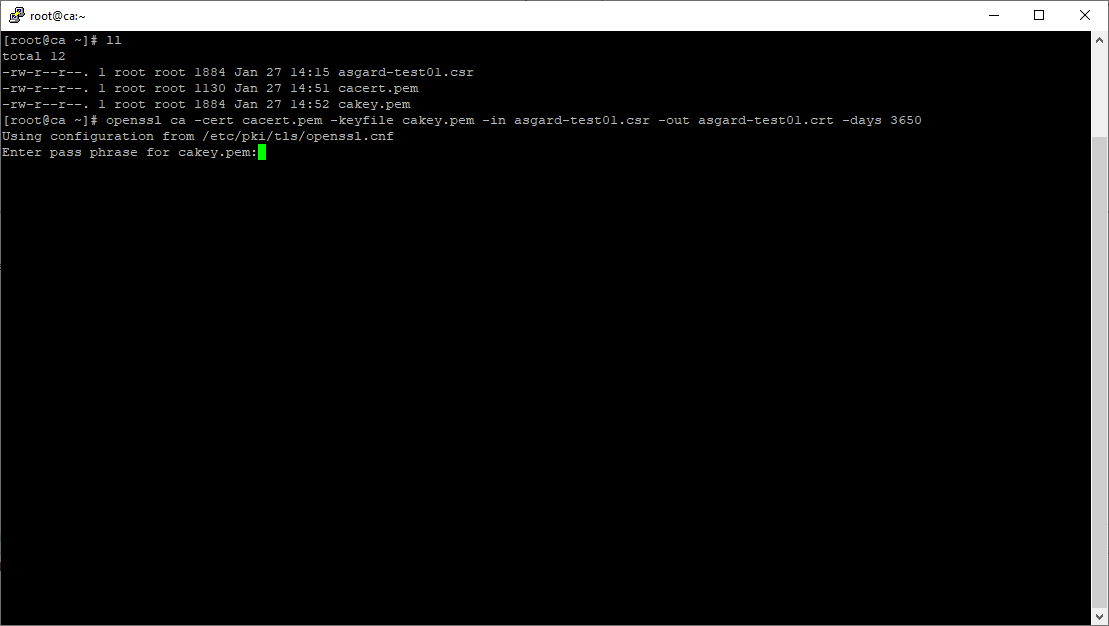
Execute/adapt the following command:
root@ca:~# openssl ca -cert cacert.pem -keyfile cakey.pem -in asgard-test01.csr -out asgard-test01.crt -days 3650
Using configuration from /etc/pki/tls/openssl.conf
Enter pass phrase for cakey.pem:
Second method: Use extension file
The second method of including all extensions from the CSR to the new certificate, is via an extension file (for example asgard-test01.ext) containing all your subjectAltName entries. This tells Openssl to use a extension for signing the CSR. In our case the extension contains a list of subjectAltName values.
To do this, place a file with your subjectAltName entries in the same folder of your CSR. The contents of this file look something like the following example. Values after subjectAltName = should be equal to the values of your CSR:
root@ca:~# cat asgard-test01.ext
subjectAltName = DNS:asgard-test01.nextron, IP Address:172.28.28.101
The content should be identical to the values you set in your CSR. You can inspect those with the following command:
root@ca:~# openssl req -in asgard-test01.csr -noout -text                                                                                                                [31/146]
Certificate Request:
 Data:
     Version: 1 (0x0)
     Subject: C = DE, ST = Hesse, O = Nextron, OU = Security IT, CN = asgard-test01.nextron
     Subject Public Key Info:
         Public Key Algorithm: rsaEncryption
             Public-Key: (4096 bit)
             Modulus:
                 00:cb:74:c9:ed:4e:4d:db:39:7b:e0:dc:bb:55:d6:
                 [...]
                 c2:9f:69
             Exponent: 65537 (0x10001)
     Attributes:
         Requested Extensions:
             X509v3 Subject Alternative Name:
                 DNS:asgard-test01.nextron, IP Address:172.28.28.101
Prepare the CA certificate, CA private key and the certificate signing request (and optionally your extension file, if you chose method 2).
Execute/adapt the following command:
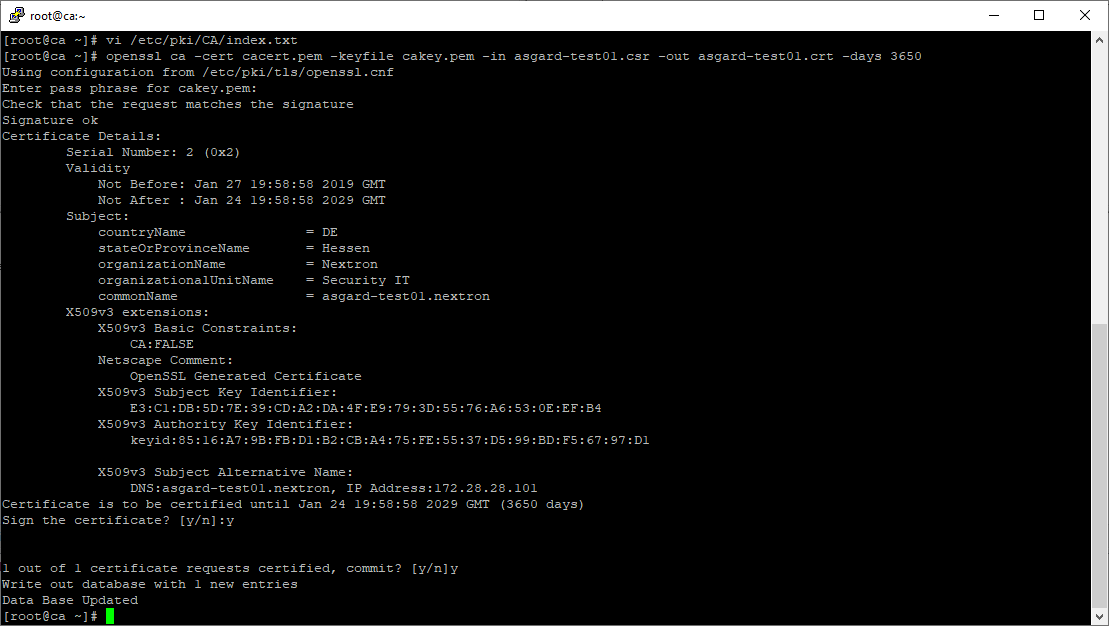
root@ca:~# openssl ca -cert cacert.pem -keyfile cakey.pem -in asgard-test01.csr -out asgard-test01.crt -days 3650 -extfile asgard-test01.ext
Using configuration from /etc/pki/tls/openssl.conf
Enter pass phrase for cakey.pem:
Check that the request matches the signature
Signature ok
Certificate Details:
        Serial Number: 1 (0x1)
        Validity
            Not Before: Feb 23 09:58:10 2023 GMT
            Not After : Feb 20 09:58:10 2033 GMT
        Subject:
            countryName               = DE
            stateOrProvinceName       = Hesse
            organizationName          = Nextron
            organizationalUnitName    = Security IT
            commonName                = asgard-test01.nextron
        X509v3 extensions:
            X509v3 Subject Alternative Name:
                DNS:asgard-test01.nextron IP Address:172.28.28.101
Certificate is to be certified until Feb 20 09:58:10 2033 GMT (3650 days)
Enter the passphrase for your CA's private key:
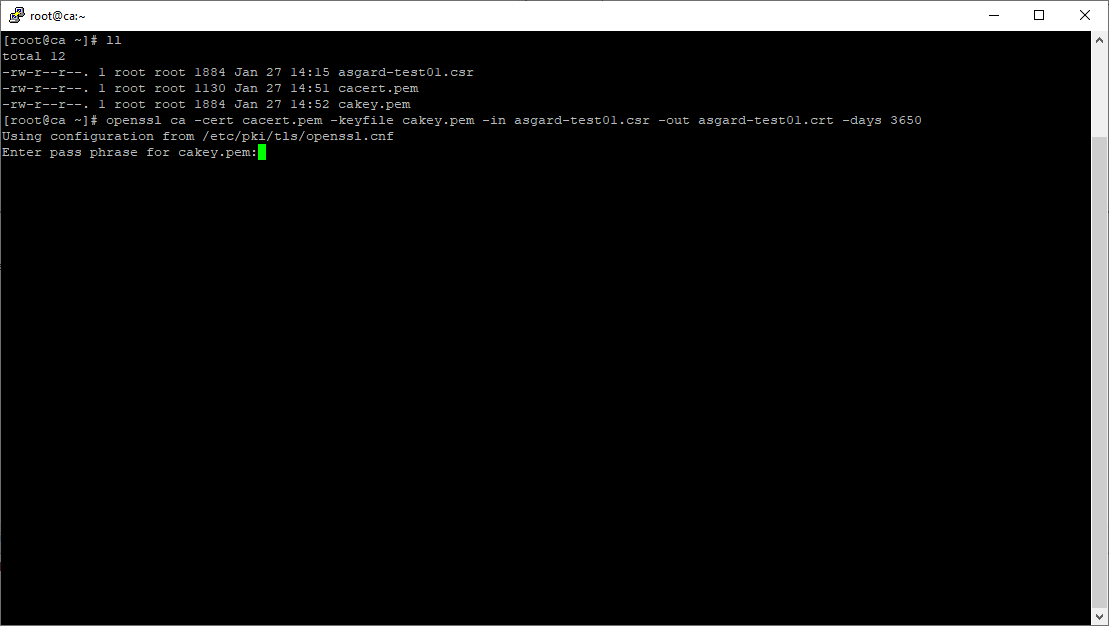
Confirm that the data contained in the CSR is accurate and confirm the signing of the request to the CA:
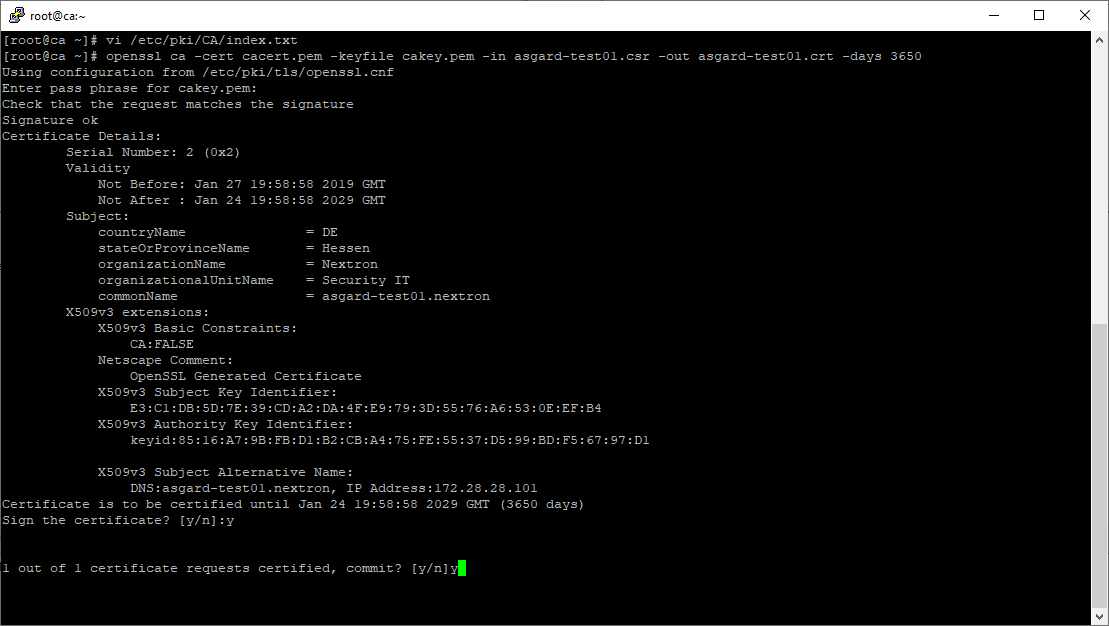
Once confirmed commit the changes to your local DB:
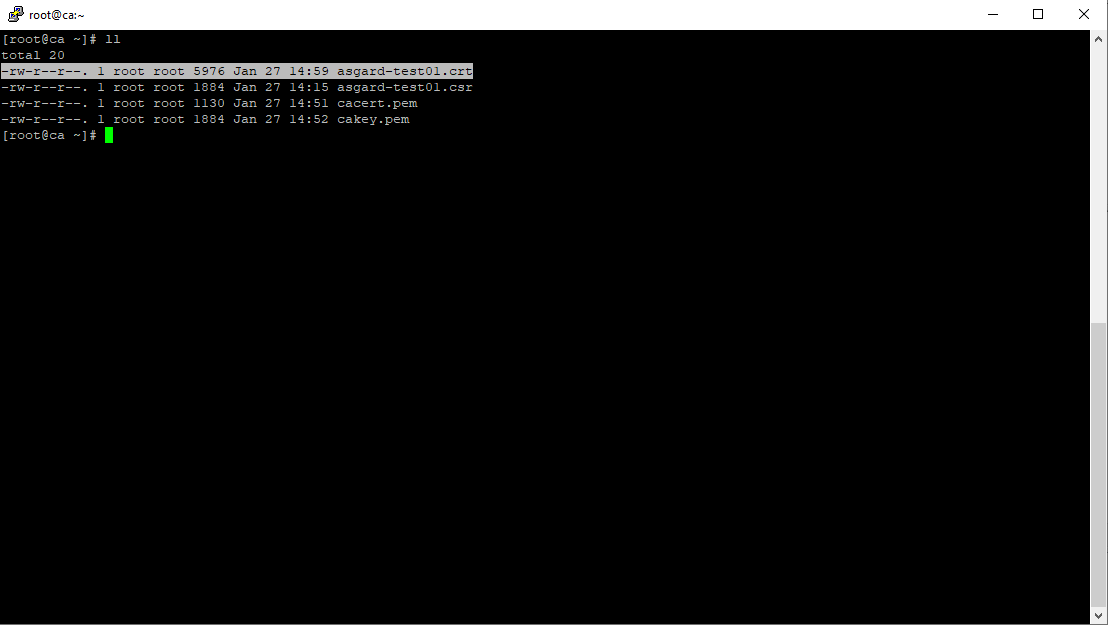
As a result, the signed certificate will be available with the indicated filename:
As a last step, the generated certificate can be imported following these steps: https://asgard-manual.nextron-systems.com/en/latest/administration/additional.html#tls-certificate-installation