

If the hostname changes, migrate the assets using the Maintenance Task "https://asgard-manual.nextron-systems.com/en/latest/administration/assets.html#asset-migration
Step 1: Install the new Management Center
Install your Management Center using a new FQDN, https://asgard-manual.nextron-systems.com/en/latest/setup/index.html
Use the existing license from the legacy Management Center.
Customize settings to fit your requirements (e.g., LDAP, backup, agent, proxy).
Step 2: Link your new Management Center with the Cockpit and Master ASGARD
Please follow these instructions to link:
Step 3: Prepare your legacy Management Center and start the Migration process
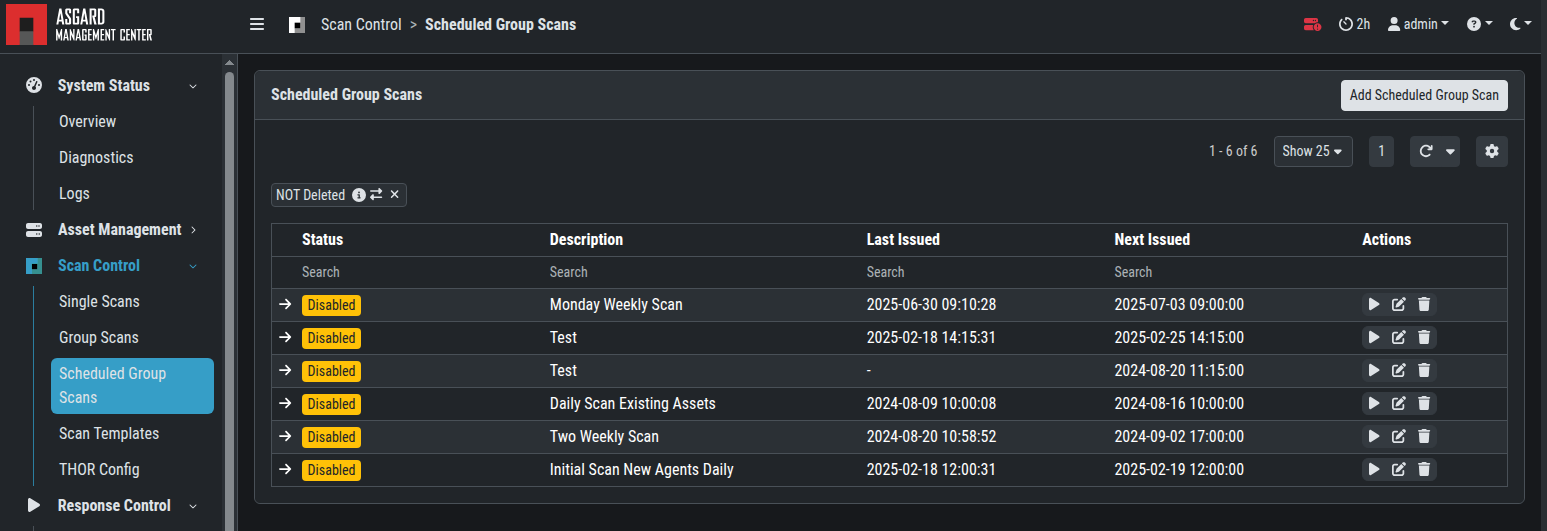
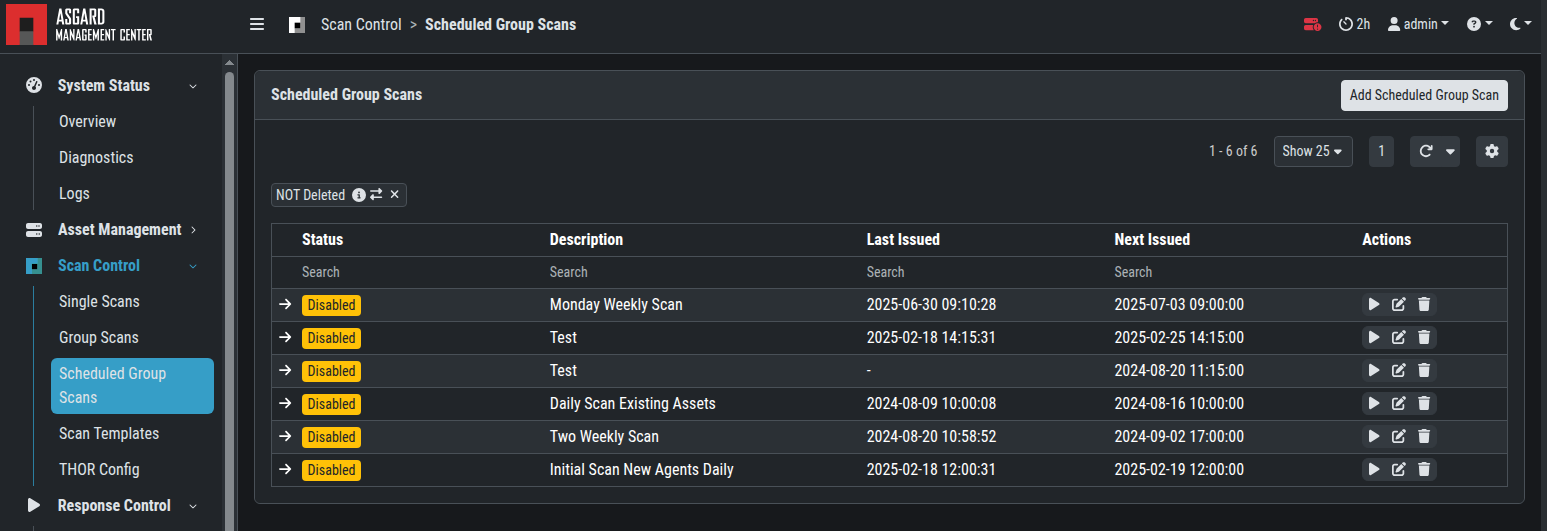
Disable all scheduled or running group scans and tasks on your legacy Management Center or Master ASGARD related to the assets to be migrated.
On your legacy Management Center, create a (Scheduled) Group Task. Consider the following when configuring:
-
Depending on the infrastructure, it may make sense to move the assets into groups ("Task Target")
-
Depending on the infrastructure, it may make sense to move the assets into time windows (Scheduled Group Tasks)
-
The task should be valid until all assets have collected the task ("Expires")
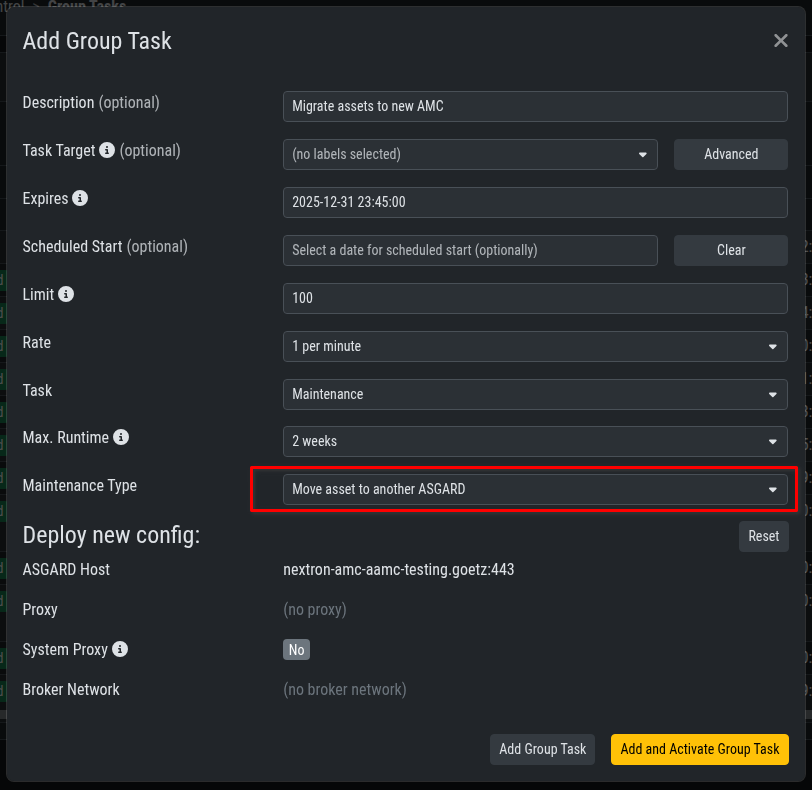
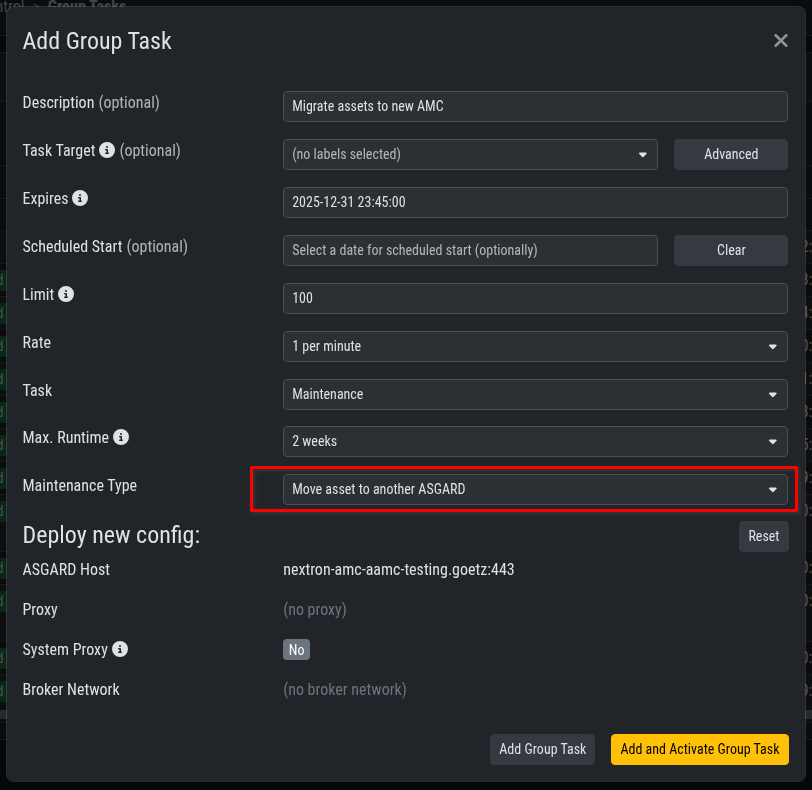
By the end of this step, migrate all assets from your legacy Management Center to your new Management Center.
Step 4: Recreate Scheduled Group Scans and Scheduled Group Tasks
Recreate the necessary tasks on your new Management Center or Master ASGARD and test them on migrated devices.
Step 5: Disconnect your legacy Management Center from your Analysis Cockpit and Master ASGARD (if in use)
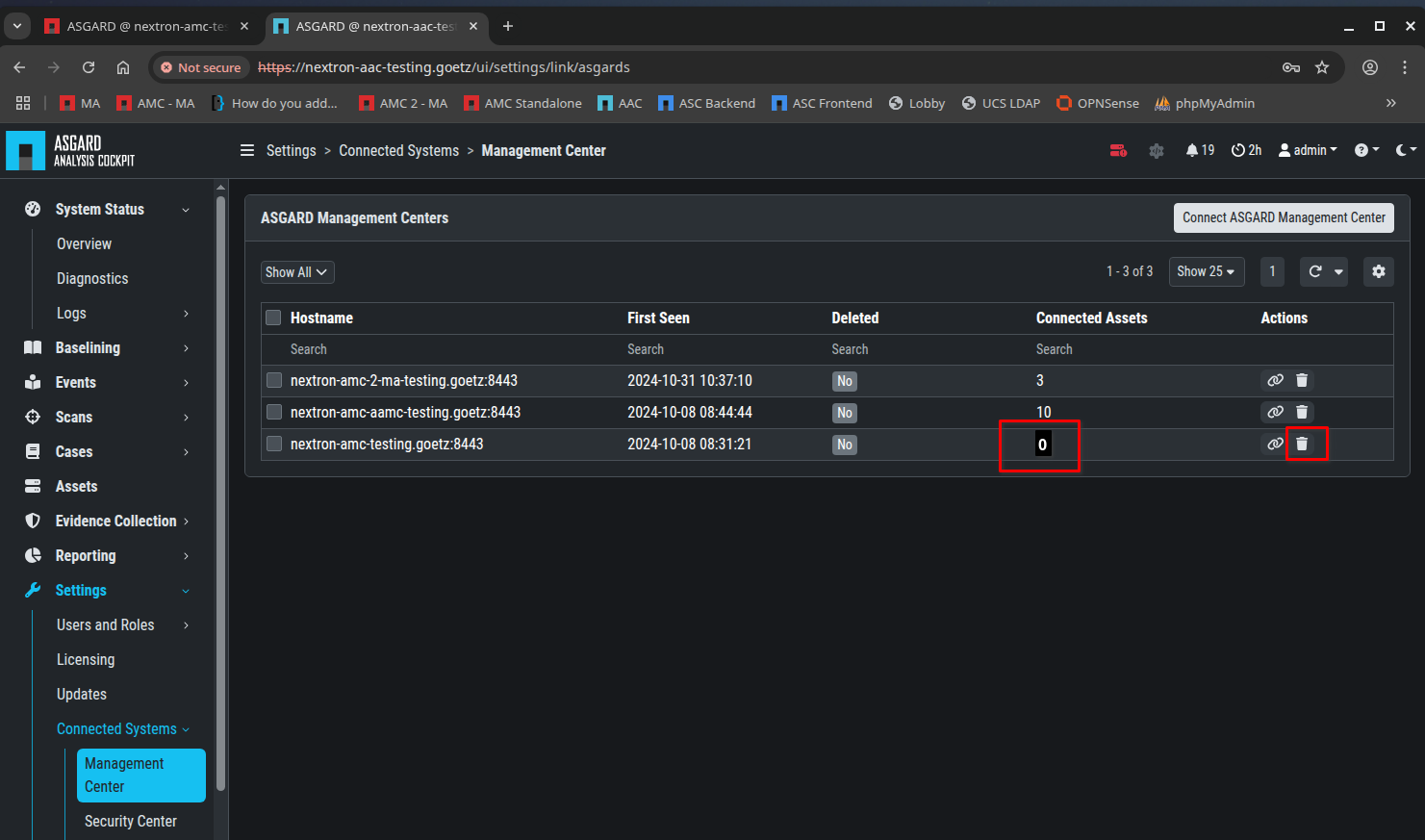
Log in to your Cockpit and unlink the corresponding Management Center. The "Connected Assets" counter should read "0".
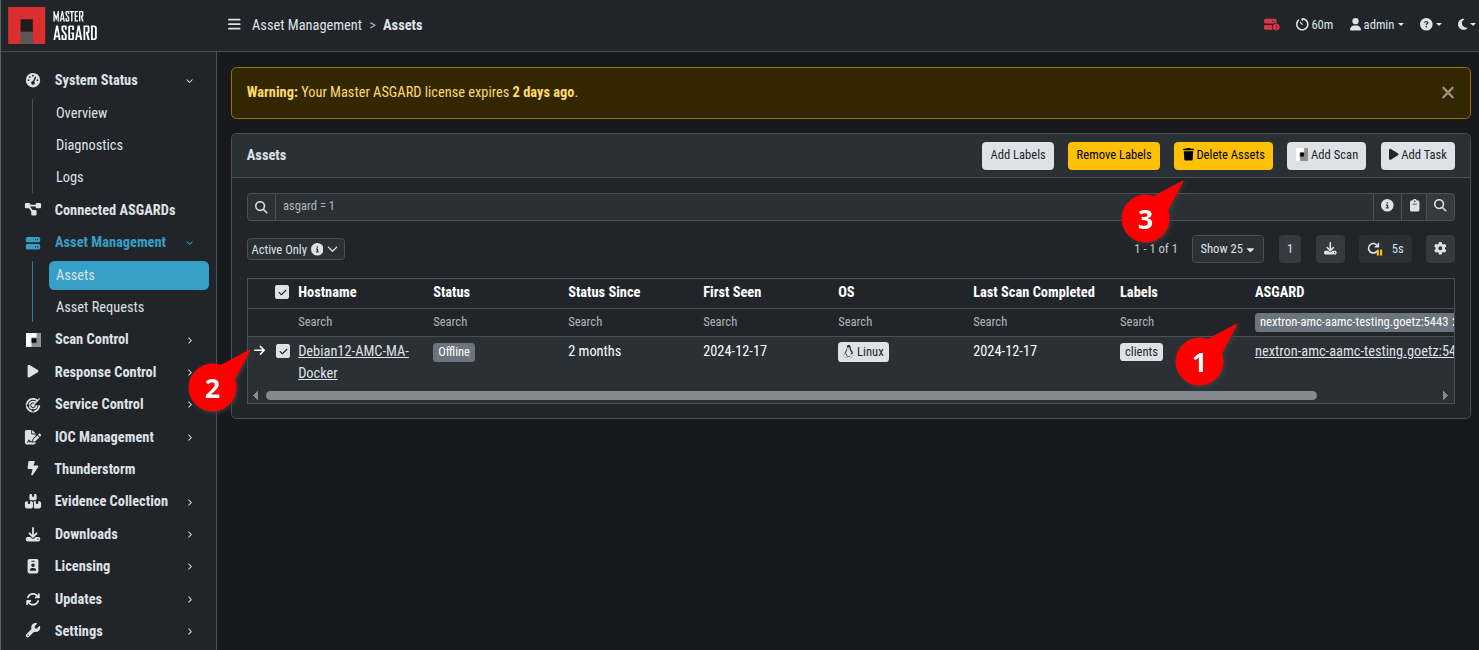
Login into your Master ASGARD, filter the assets by your legacy Management Center (1) and delete (2,3) the assets.
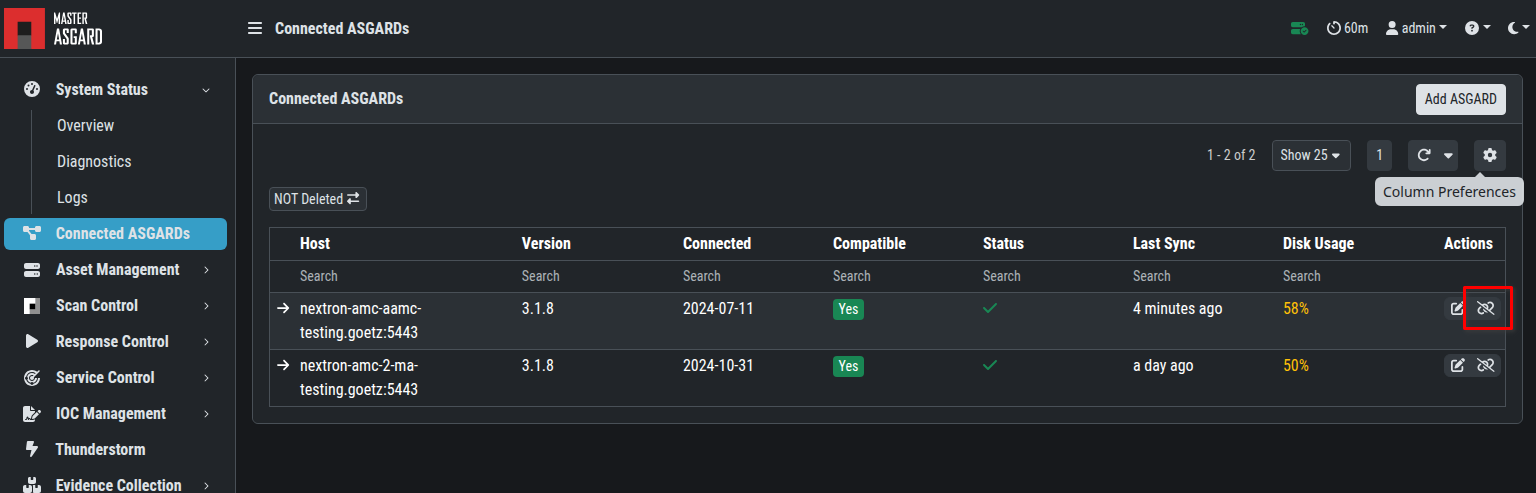
Disconnect your legacy Management Center.
Finally, off board your legacy Management Center machine.